Registration Form Help ( starting from Registration page )
Step 1
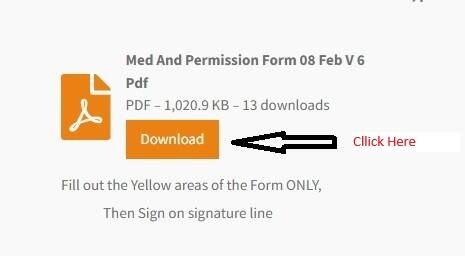
Click Download
Step 2
Once Downloaded, Open File

Step 3
Select your ward

Step 4
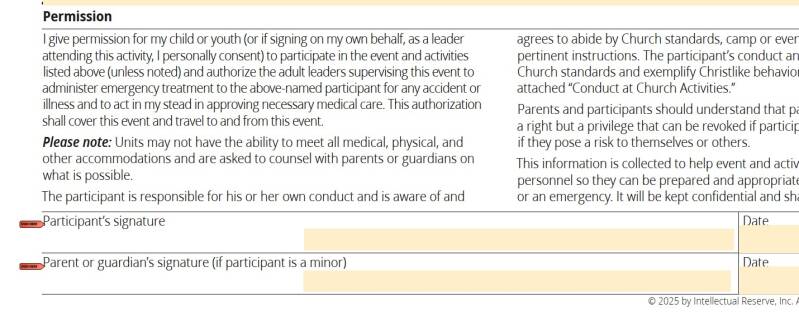
Fill in all tan/goldenrod fields

Step 5 -E-sign Electronic Signature
To sign, Select "sign Here"
Follow instructions for e signature
Step 5a - manual Sign
To sign, Select Draw,
Choose your line thickness and color, and then use your finger, mouse, or digital pen and sign. (remember to click on draw again to return to the keyboard)

Step 6
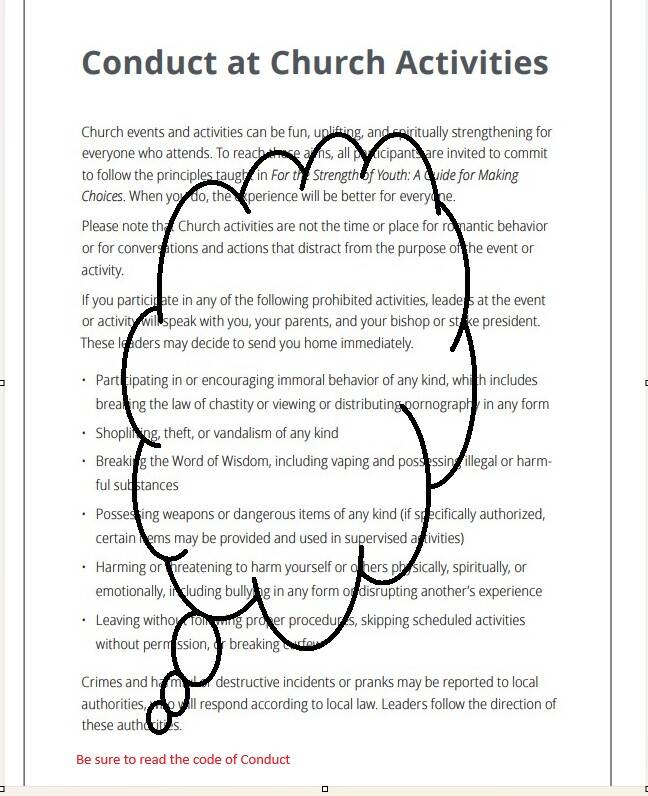
Be sure to read the Code of Conduct for church activities
Step 7
Once Completed, Click on Save and save the file on your device (remember where you saved it!)

Step 7
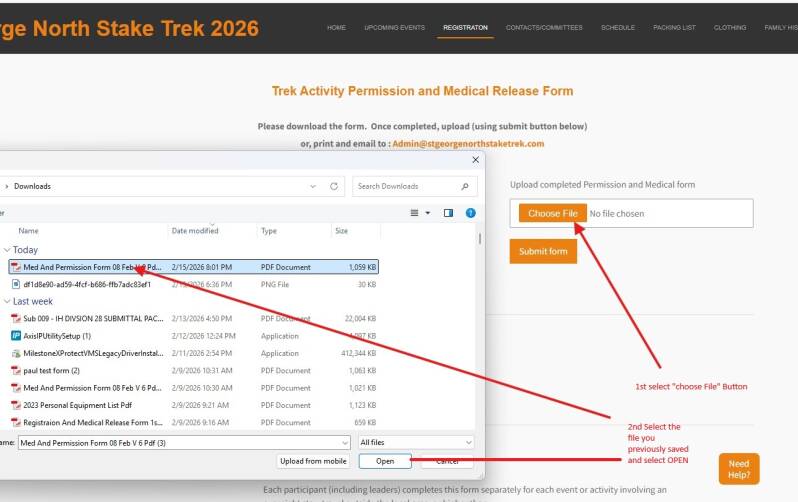
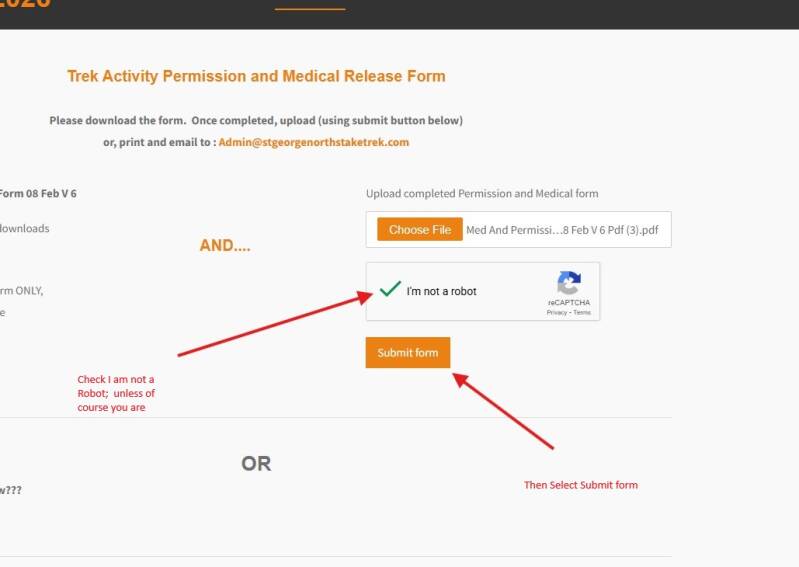
From the registration page, choose file
(remember where you saved it?)
Step 9
Check "i'm not a robot", and click submit form
YEAH!!! You did it! should you have further questions, please contact us below by clicking on the link at the bottom of the page